Admin
Admin Overview
The Admin section is your control room for Forge. Here you configure payment gateways, define which Salesforce objects Forge surfaces, control field visibility, manage users and their permission profiles, and access platform-level logs and audit records.
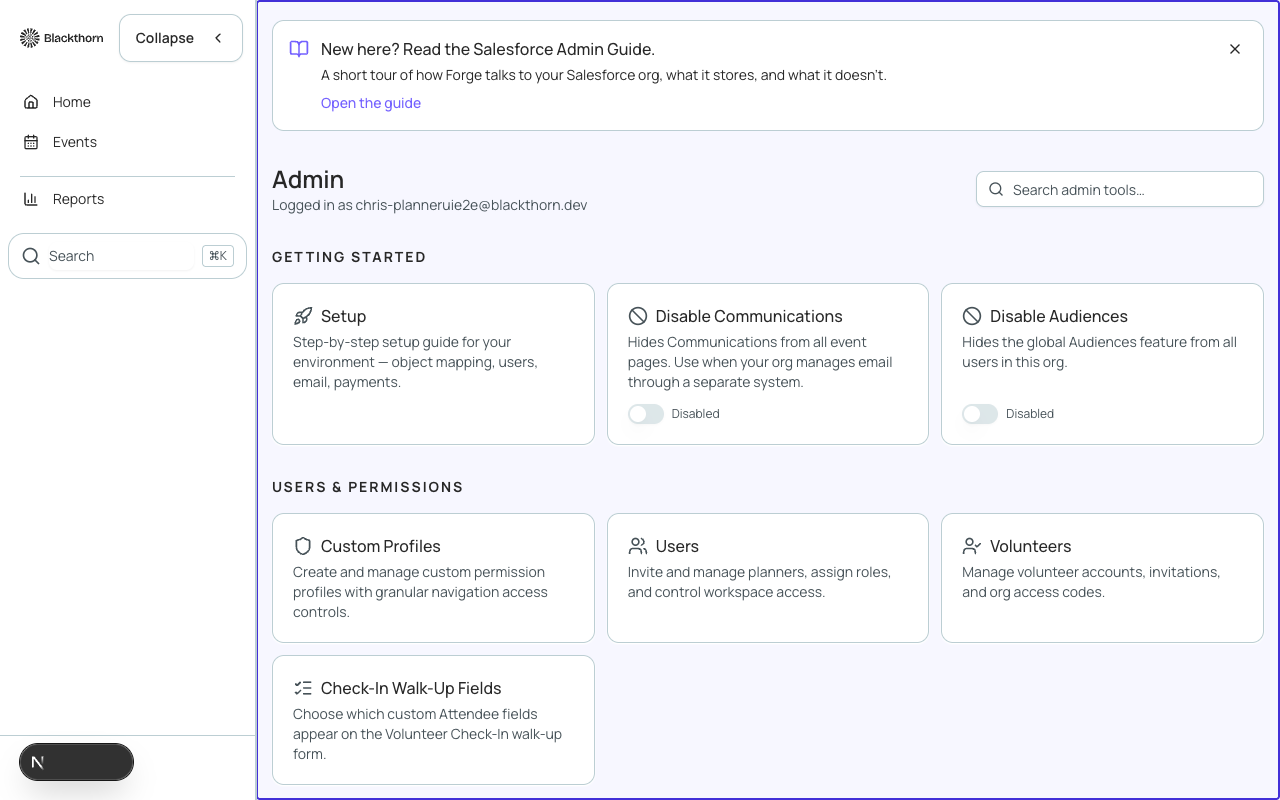
Admin sections at a glance
| Section | What you configure |
|---|---|
| Profiles | Forge's Admin and Planner roles, assigned per user. |
| Payment Gateways | Stripe, Authorize.net, and Spreedly gateway credentials; assign gateways to events. TouchNet and CashNet are listed as coming soon. |
| Object Mapping | Map custom Salesforce objects to Forge navigation items (beta). |
| Record Layouts | Control which fields appear in event-setup wizards and forms. |
| Org Settings & MDM | Detect NPSP/NPC/EDA giving data models; adjust bridge fields (beta). |
| Users & Accounts | Invite users, assign profiles, suspend or remove access. |
| Logs & Audit | View API call logs, webhook delivery logs, and user-action audit records. |
Who can access Admin
Admin pages require the Forge Admin role. Forge roles work alongside your Salesforce permission sets — see the Permissions page for how the two relate. Some Admin actions, such as connecting a payment gateway, additionally require a Salesforce permission set like Blackthorn Payments Admin.
Changes made in Admin apply across your entire Forge org, not just a single event. Test configuration changes in a sandbox org before applying them to production.