Core Concepts
Forge and Salesforce
Understanding how Forge and Salesforce work together is the most important concept in this documentation. Everything else builds on it.
Salesforce is the system of record
Forge is a stateless web application. It holds no permanent copy of your event data. Every record — events, tickets, attendees, sessions, forms, payments — exists in Salesforce and is fetched by Forge on demand. When you make a change in Forge, it is written to Salesforce immediately. When someone registers on your public event page, the registration is written to Salesforce by the Blackthorn Events managed package.
Three managed packages, one experience
Forge surfaces data from three Blackthorn managed packages: Events (conference360__), Payments (bt_stripe__), and Base (bt_base__). Each package installs its own Salesforce objects, fields, permission sets, and Apex code. Forge presents them as a unified interface.
What lives where
| Data type | Where it lives | Notes |
|---|---|---|
| Event records | Salesforce (conference360__Event__c) | Fetched by Forge on every page load |
| Attendee names and emails | Salesforce (Contact / Lead / conference360__Attendee__c) | PII — never cached in Forge's Postgres |
| Payment transactions | Salesforce (bt_stripe__Transaction__c) | Card data never stored anywhere — gateway only |
| Discount codes | Salesforce (bt_stripe__Code__c) | Read and written by Forge |
| Form definitions | Salesforce (conference360__Form__c) | Written by Forge; answers written to Salesforce fields |
| Session data | Forge's Postgres (Forge Forms engine) + Salesforce | Form answer payloads route to Salesforce; no PII in Postgres |
| Auth tokens | Forge's Postgres (sealed) + Redis (short-lived) | Never stored in plaintext; never contain PII |
Deep links to Salesforce
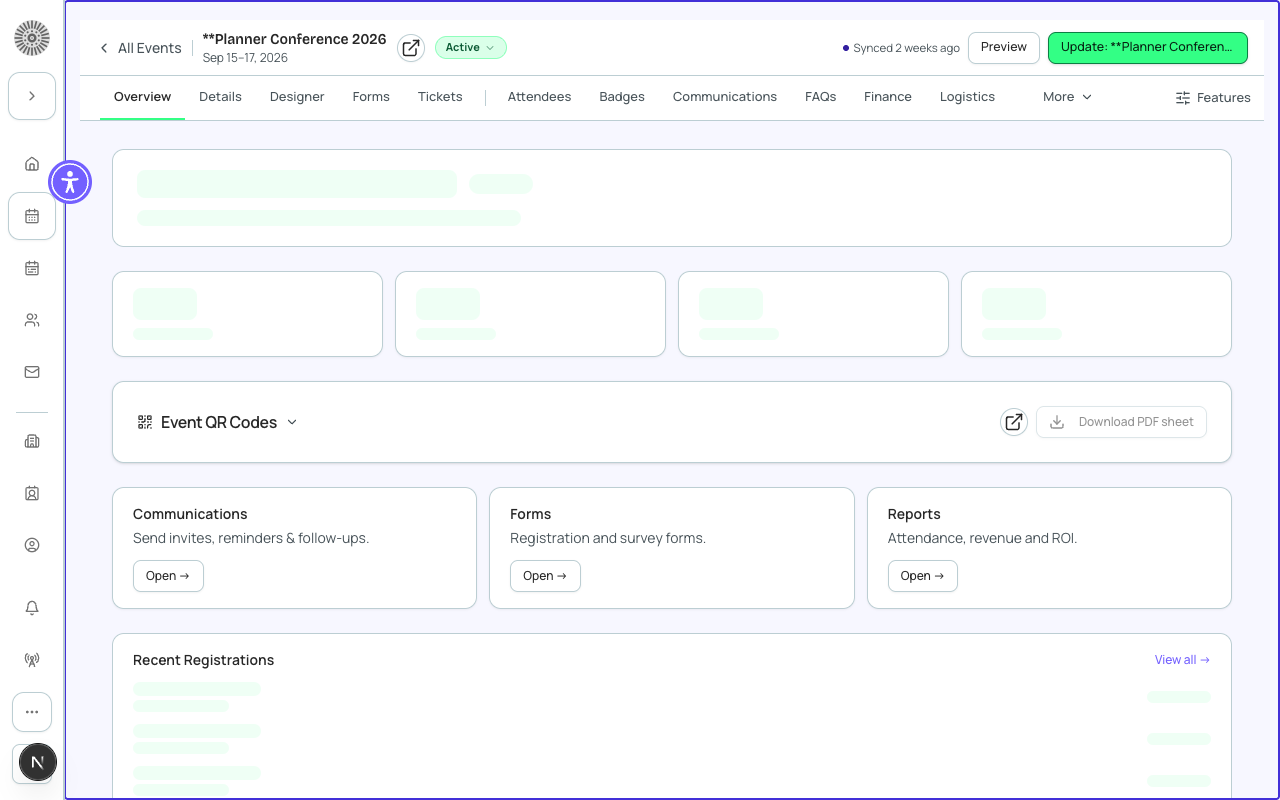
On every record detail page in Forge, you'll find a Salesforce link icon (the cloud icon) next to the record name. Clicking it opens the native Salesforce record in a new tab. This is available on events, attendees, tickets, sessions, speakers, sponsors, forms, and payment records.
Bidirectional changes
You can edit records in either Forge or Salesforce — both write to the same underlying Salesforce records, so there is no separate sync step and no conflict resolution. Changes you make in Forge show up in Salesforce immediately. Changes made directly in Salesforce (by a person, Flow, trigger, or import) reach Forge through Forge's read cache: by default a record is treated as fresh for 5 minutes, so expect Salesforce-side edits to appear in Forge within about 5 minutes. A Salesforce admin can set this freshness window anywhere from 1 minute to 24 hours in Admin > Salesforce Caching. Salesforce automations that modify event-related records follow the same timing.
Salesforce automations and Forge
Any Salesforce automation that fires on conference360__ objects will work as expected. Forge does not bypass triggers, flows, or validation rules. If a validation rule prevents a save in Salesforce, Forge will surface the error message to the user.
Validation rules can block Forge actions
If your org has custom validation rules on conference360__ objects, those rules apply when Forge tries to save a record. If users see unexpected save errors, ask your Salesforce Administrator to check for validation rule failures in the debug logs.